Summary
OverviewDemoCompliancyCreativesCreative template parametersLimitationsKnown issuesRelease notes
Overview
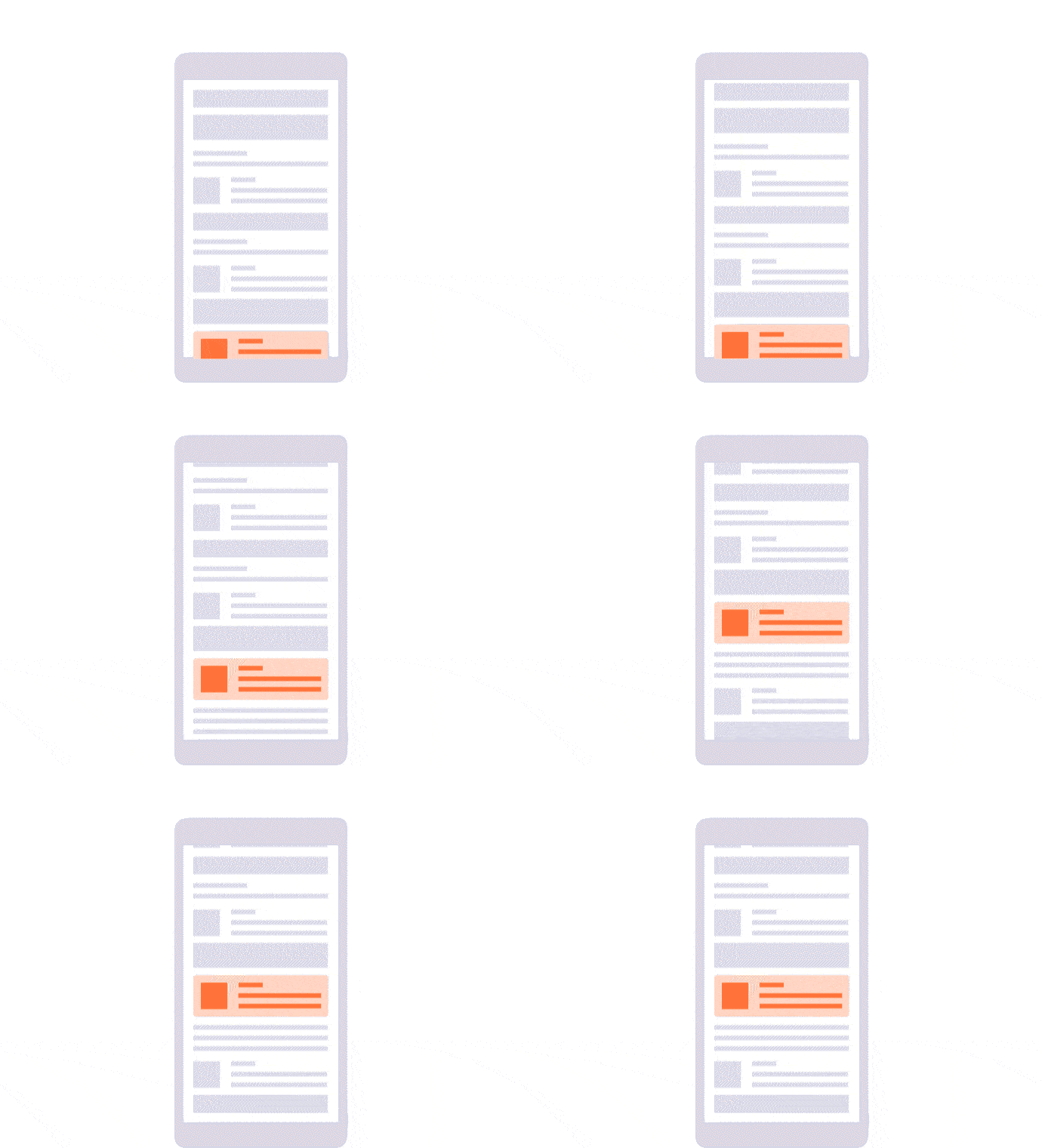
Formerly named "SDK In-Feed Native Ad - Cover". The "Native" creative template displays an ad within the app content matching the app's look and feel.
Use the dedicated
Native ad format, if you intend to upload 2 creatives (icon image and cover image).
Native ads require a specific setup to be done by the app developer:
Demo
Native cover demo available in these apps:
Compliancy
| Criterion | Compliancy |
|---|
| MRAID 1.0 | ❌ |
| MRAID 2.0 | ❌ |
| RTB | ❌ |
Creatives
This section applies for the direct creative template only.
- Creative #1 (required): a cover image; usually used as background image or parallax image if available.
Note: do not specify any click URL for this creative; only the click URL in the "Click URL" creative template parameter will be used.
Supported file formats
Creative template parameters
| Parameter | Description | Default value |
|---|
| Click URL | The URL that will be opened in case of a click. | |
| App link URL* | App URL that will be opened by the SDK instead of the creative click URL, if the app is available on the iOS device.
The SDK will fall back on the creative click URL otherwise. | |
| Title | The native ad title. | |
| Subtitle* | The native ad subtitle (a short sentence often displayed under the title). | |
| Body | The native ad body (a longer text that describes the ad). | |
| Call to action | The call to action button text (if a click URL is available). | |
| Sponsored | The native ad sponsored label (a label used to indicate that the content is an ad). | |
| Rating (0.0-5.0) | The native ad rating (a number from 0.0 to 5.0 that can be used to represent the rating of the product described in the ad). | |
| Likes* | The number of likes that the product described in the ad has in its store. | |
| Downloads* | The number of downloads that the product described in the ad has in its store. | |
| Third party pixels URLs | Comma separated list of URLs that will be called when the impression is counted by the SDK. | |
* SDK 7 only
Limitations
n/a
Known issues
n/a
Release notes
- 20-02-2019 - Updated all labels, descriptions and tooltips


