Overview
The In-stream Video Showcase allows you to
- verify the correct parsing of VAST ad responses
- verify the correct firing of the events (quartiles, interaction events etc.)
- configure and test Equativ’s video plugin in various video players to test your video strategy
Related documentation
Access
Click here to access the In-stream Video Showcase.
VAST Inspector
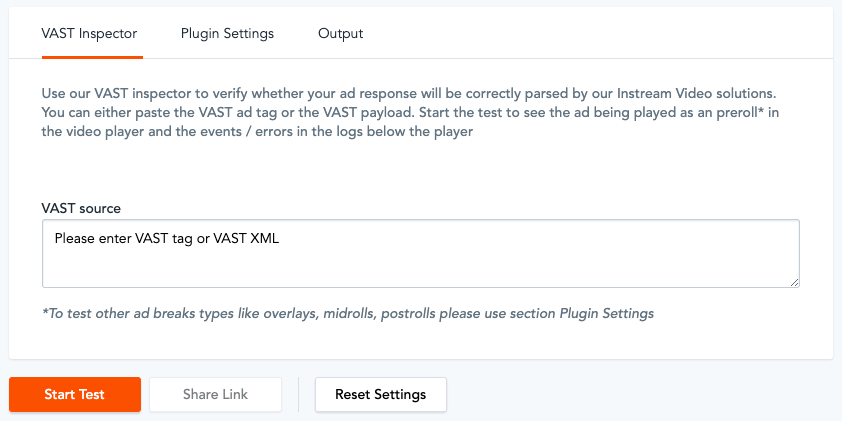
On the VAST Inspector tab, you can paste the URL of a VAST ad or an entire VAST XML and click
Start Test. If you have no VAST, you can select one of the samples to test the VAST inspector. Choose from: Inline Linear Skippable, Inline Linear Companions, Wrapper Linear Skippable, Wrapper Linear Error, Inline Linear OMSDK.
The Output tab shows the fired VAST events as well as events specific to Equativ. You can interact with the video ad on the
Player panel (e. g. click on
Mute) and the according interaction events will be logged on the
Output tab.
The Share Link option allows you to share the Video Showcase, with the current VAST ad you are testing.
Note that the Share Link option is only available if the VAST source field contains a VAST URL. If you paste an entire VAST XML, the Share Link option is greyed out.
Plugin Settings
On the
Plugin Settings tab, you can configure Equativ’s Video Plugin.
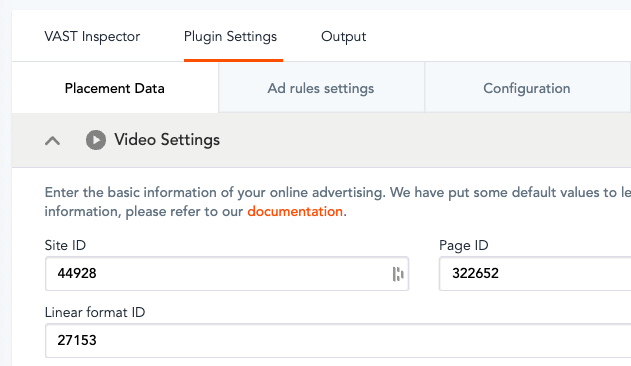
The table below describes the fields and indicates the related documentation:
| Fields | Description |
|---|
| Placement Data |
- Video Settings – used to specify the video ad call’s parameters which defines the location within your inventory; see chapters “Video formats” and “Video Inventory” in Creating in-stream video insertion and Keyword targeting for the Targeting field
- Banner Settings (Optional) – used to specify a format ID and targeting criteria for a non-video banner ad which is shown when the player is paused; see Banner settings
|
| Ad rules settings | Used to define multiple content duration ranges and to specify the frequency and size of ad breaks for each duration range; typically, you will want to play more/longer video ads for long video content and less/shorter video ads for short content Ad Rules and Video ad rules |
| Configuration | Used to configure:
|
| Other settings |
- User Settings – used to enrich the ad call with a 1st-party user identifier that Equativ can leverage for user-related features; see User identification
- Content Data Settings – used to pass data describing the video content (see Ad Plugin content data)
|
Once you are done with the all plugin settings, click on
Start Test to call an in-stream video ad.
The Output tab shows the fired VAST events as well as events specific to Equativ. You can interact with the video ad on the
Player panel (e. g. click on
Mute) and the according interaction events are logged on the
Output tab.
The Share Link option allows you to share the Video Showcase, including all the current Plugin Settings.
Player panel
The player plays a piece of content with the video ad(s), as configured on the
VAST Inspector /
Plugin Settings tab.
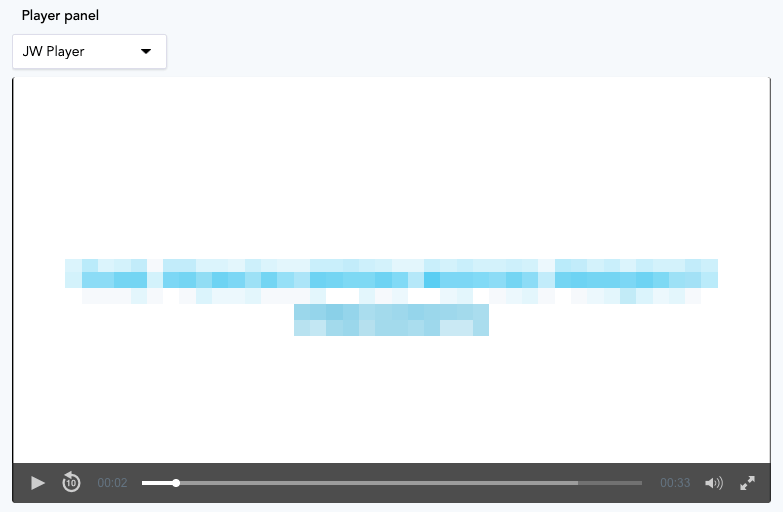
You can play video ads/content with the
JW Player or
Flowplayer. Alternatively, select the
Simple video tag option to play the video in the browser's native video player, using the
<video> tag.
Companion ad preview
The Companion ad preview displays video a companion ad from an in-stream video insertion. You can adjust the width and height of the companion ad slot. In case of multiple eligible companion ads from an insertion, Equativ's Video Plugin (and the Video Showcase) will automatically select the companion ad that fits best in the defined ad slot size.


