The In-app ad preview is not compatible with SDK 8 and will be retired with the wind down of SDK 7. Please reach out to your contact at Equativ if this tool is critical for your daily operations.
About in-app ad preview
With Equativ's in-app ad preview, advertisers and agencies can preview and test in-app ads on various mobile formats (banner, interstitial etc.).
The preview process involves the following 3 steps:
1. configuring the ad in Equativ's preview generator
2. generating a QR code/ID for the ad configuration
3. previewing the ad in Equativ's Showcase app
Configuring the ad
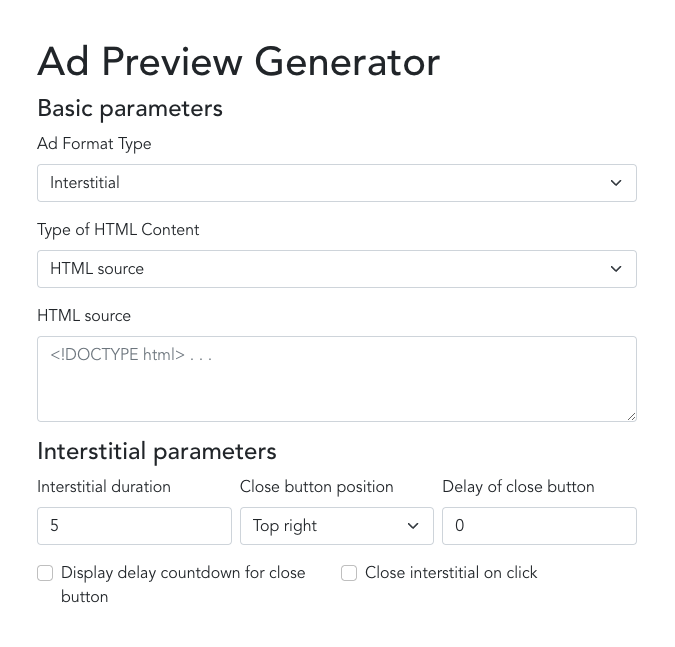
To configure the ad you intend to preview:
- go to Equativ's Ad Preview Generator
- select the Ad Format Type where you want to test the ad
- in case of Banner, Parallax Banner and Interstitial*:
- select HTML source and paste the HTML code of the creative - or
- select URL of the hosted HTML content and paste the URL towards the creative
- in case of Video-Read Banner and Video interstitial:
- select VAST source and paste a VAST XML document - or
- select URL of the hosted VAST and paste the URL towards a VAST document - or
- select URL of the video and paste the URL towards an .mp4 video file
- define the appropriate parameters for the selected Ad Format Type to adapt the behavior of the creative (e. g. the duration an interstitial is displayed)
* In case of banners, the close button is only available if the MRAID expand feature is used (see
SDK documentation).
Generating the QR Code
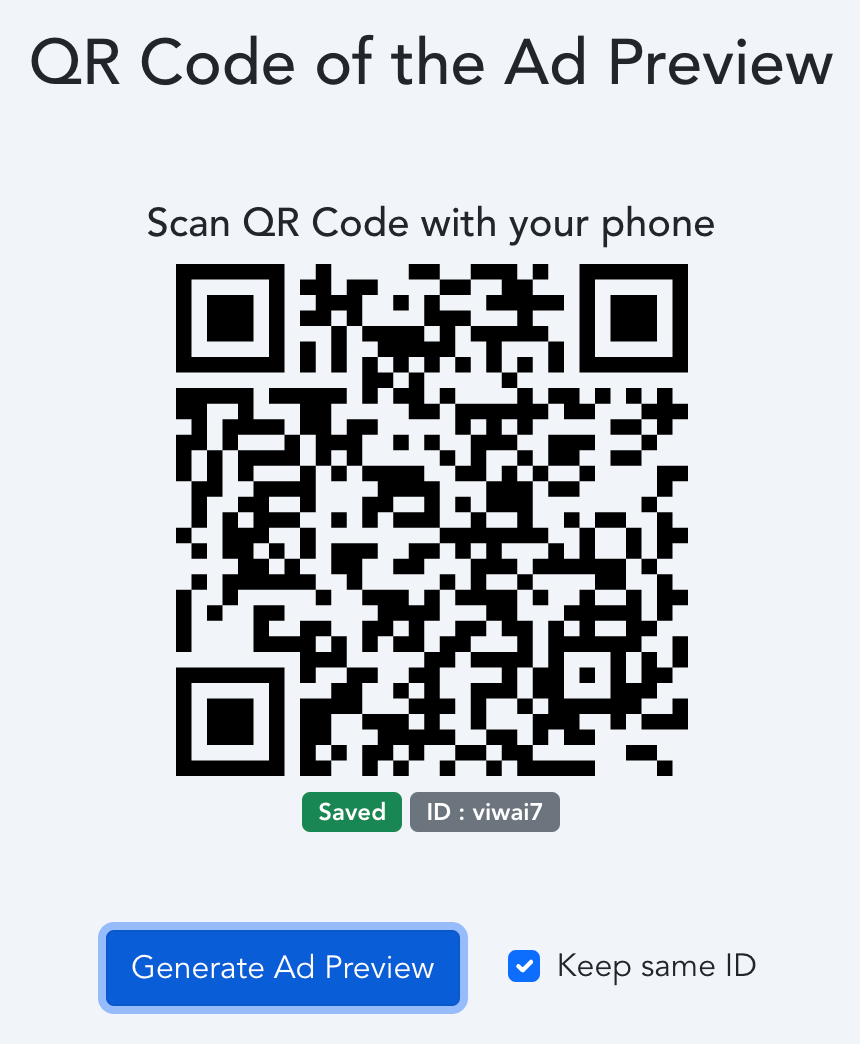
Once you are done with the configuration of the ad, click on
Generate Ad Preview to generate a QR Code as well as an ID of your configuration.
Enable the option
Keep same ID to modify the configuration without generating a new QR Code/ID.
Sharing the configuration
You can share the configuration with this link: https://previewsdk.smartadserver.com/[yourID] (replace [yourID] by the ID of the configuration). Anyone who has this link can edit the configuration and scan the QR code.
Each configuration is deleted from Equativ's servers one week after the last time the Generate Ad Preview button has been clicked.


