Summary
Overview
Most common sizes
Demo
Compliancy
Creatives
Creative template parameters
Features
Limitations
Known issues
Release notes
Overview
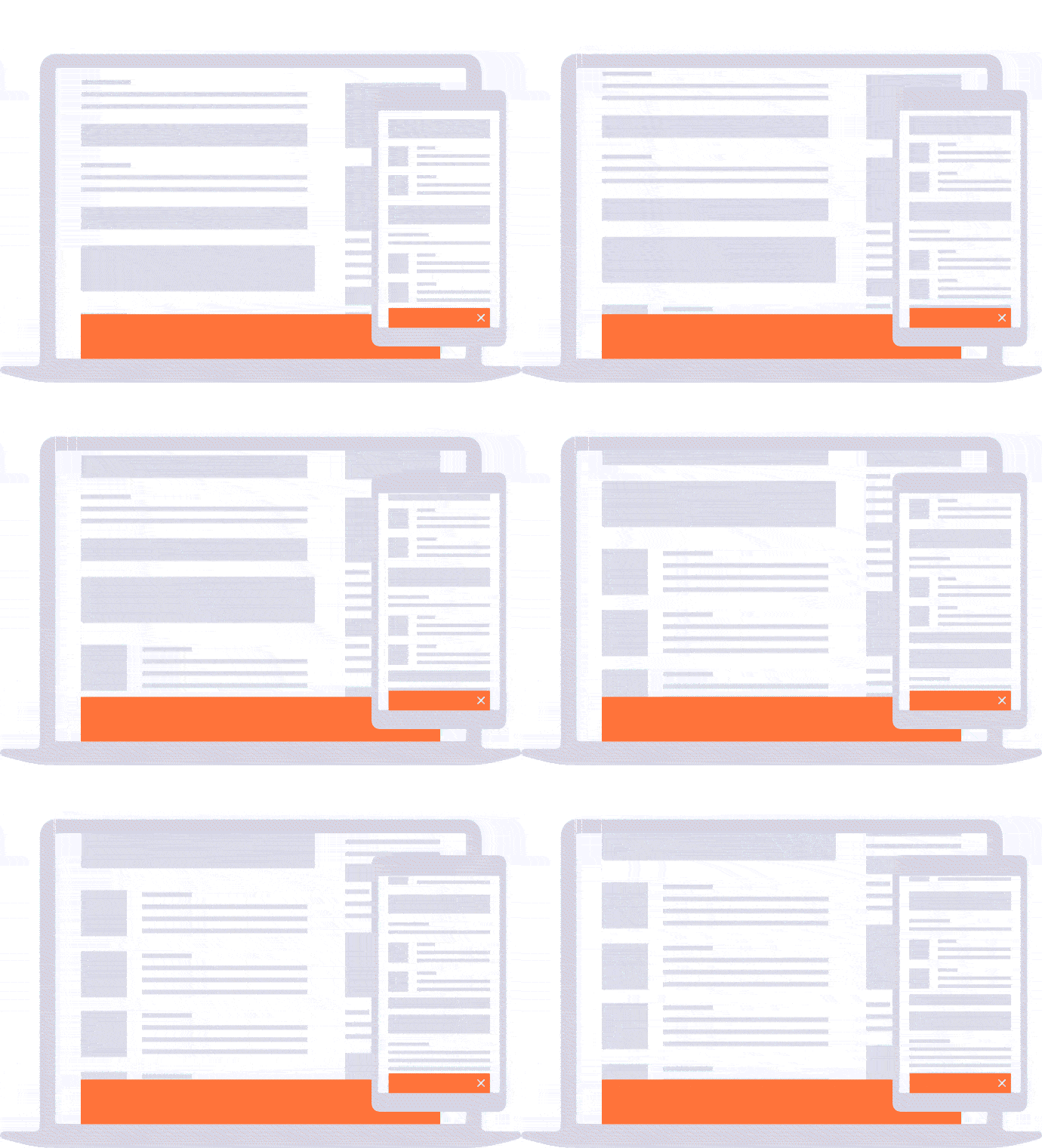
Formerly named "Floor ad" / "RTB+ Floor ad". The "Floor" creative template displays a banner that sticks at the top or bottom of the window.
Most common sizes
Most common RTB sizes of this ad format: 320x150, 768x1024, 300x250, 728x90, 960x90, 800x600, 970x250, 980x250.
Demo
Floor demo
Compliancy
| Criterion | Compliancy |
|---|
| RTB | ✅ |
| Multi-instance | ✅ |
| Creative rotation | ✅ |
| Responsive web design | ❌ |
| Friendly iFrame | ✅ |
| Viewability counting (MRC standard) | ✅ |
Creatives
This section applies for the direct creative template only.
Supported file formats:
- image
- HTML5
- creative script
Note: In case of HTML5 or creative scripts, make sure you set up the size.
Creative template parameters
| Name | Description | Default value |
|---|
| Floor options |
| Vertical position |
Vertical position of the creative
| bottom |
| Horizontal position |
Horizontal position of the creative
|
center
|
| Duration | Autoclose after the defined time (in seconds) | |
| Scrolling animation duration | Specifies the duration of the floating animation when scrolling the page (in seconds) | fast |
| zIndex | zIndex of the creative | 1000 |
| Margin | Margin from bottom or top of the page (in px) | 0 |
| Render in Safeframe | Specifies if the ad creative will be rendered inside the safeframe. This feature may be used only for creative scripts and in RTB delivery. | false |
| Tracking url | Make sure you add [timestamp] to the URL for cache busting. | |
| Button options |
| Creative feedback | Shows creative feedback button | true |
| Background options |
| Enable background | Adds a background to the ad | false |
| Background color | Specifies the background color to be used | #000000 |
| Background image | Specifies the background images to be used | |
| Background position |
Sets the background position. More info here
| center top |
| Background opacity | Specifies opacity of the background. "0" means full transparent, "1" - not transparent at all. | 1 |
| Expand options |
| Collapsed height | Fill it if you want to enable expand mode.
The feature doesn't work in mobile web environment. | |
| Animation speed of expand | Specifies the duration of transition from collapsed to expanded states | 0.3 |
| Transition type of expand | Specifies the transition type | ease |
| Open in same window | Choose if the ad should open in the same window or not. The option works only with image creatives. | false |
| RTB options (only for the RTB template) |
| Acceptable sizes | Acceptable sizes as a comma-separated list of a pair w*h (no spaces). Example : 250*300,320*250 | |
| Activate ad refresh | Toggle to activate automatic ad refresh functionality (5 refreshes max) | false |
| Viewability threshold (px %) | Specifies what minimum percentage of creative must be visible to be considered for ad refresh. | 50 |
| Duration (seconds) | Specifies for what duration must the ad be visible (provided the tab is active for the entire duration specified) to be considered for ad refresh. | 30 |
Features
The Floor displays a banner that sticks on the top or on the bottom of the window. This ad format features an expand mode with fancy CSS3 animation.
The expand feature is only available for Desktop. On mobile platform, the ad will always be in expanded mode.
Orientation
This ad format shows the same creative for both portrait and landscape mode. Use the ad format "Floor (portrait/landscape)" if you want to show different creatives.
Event listening
The Advanced Banner supports the adClosed event. It triggers when the close button is pressed. You can listen to this event to control the functioning of your site.
The event contains the parameter formatId to get which formatId (on the page) fired the event:
window.addEventListener('adClosed', function (e) {
	console.log(e.formatId);
});
Limitations
For Mobile Web :
Supported browsers:
- iOS - Safari
- Android Browsers - Firefox, Chrome
Known issues
For Web: the viewability module treats the creative as 100% visible in collapsed state.
For Mobile Web: In the mobile Firefox, the position "bottom" of the ad does not work properly because of the navigation bar; thus, using the position "top" is recommended
Release notes
- 05-03-2025 - Update for action pixels generation
- 04-01-2025 - Renamed Scrolling animation duration option
- 12-11-2024
- Added creative feedback and DSA button
- Removed "Close button options "
- 15-02-2024 - Allow 10s, 15s values in the "duration" parameter in ad refresh
- 24-01-2024 - Removed support for obsolete macros
- 03-01-2024 - Added ad refresh
- 18-07-2023 - Added new RTB macros
- 09-05-2022 - Added parameter Render in Safeframe
- 12-04-2023
- Added parameter Open in same window
- Removed document.write from template
- 03-01-2023 - Remove obsolete property of script
- 31-08-2021 - Tracking pixel for close event
- 20-04-2020 - Removed RTB parameters from click count pixel
- 21-11-2019 - Fix for the ad z-index
- 19-08-2019 - Updated close button position
- 30-05-2019 - Start supporting features from the Floor for mobile ad format
- 11-12-2018 - Header Bidding compliancy
- 21-05-2018 - Enable RTB click counting
- 07-02-2018 - Additional RTB parameters in viewability log
- 04-01-2018 - Enable viewability counting by default
- 22-11-2017 - New default close button
- 06-09-2017 - Add viewability module
- 20-07-2017 - Support for standalone tag


